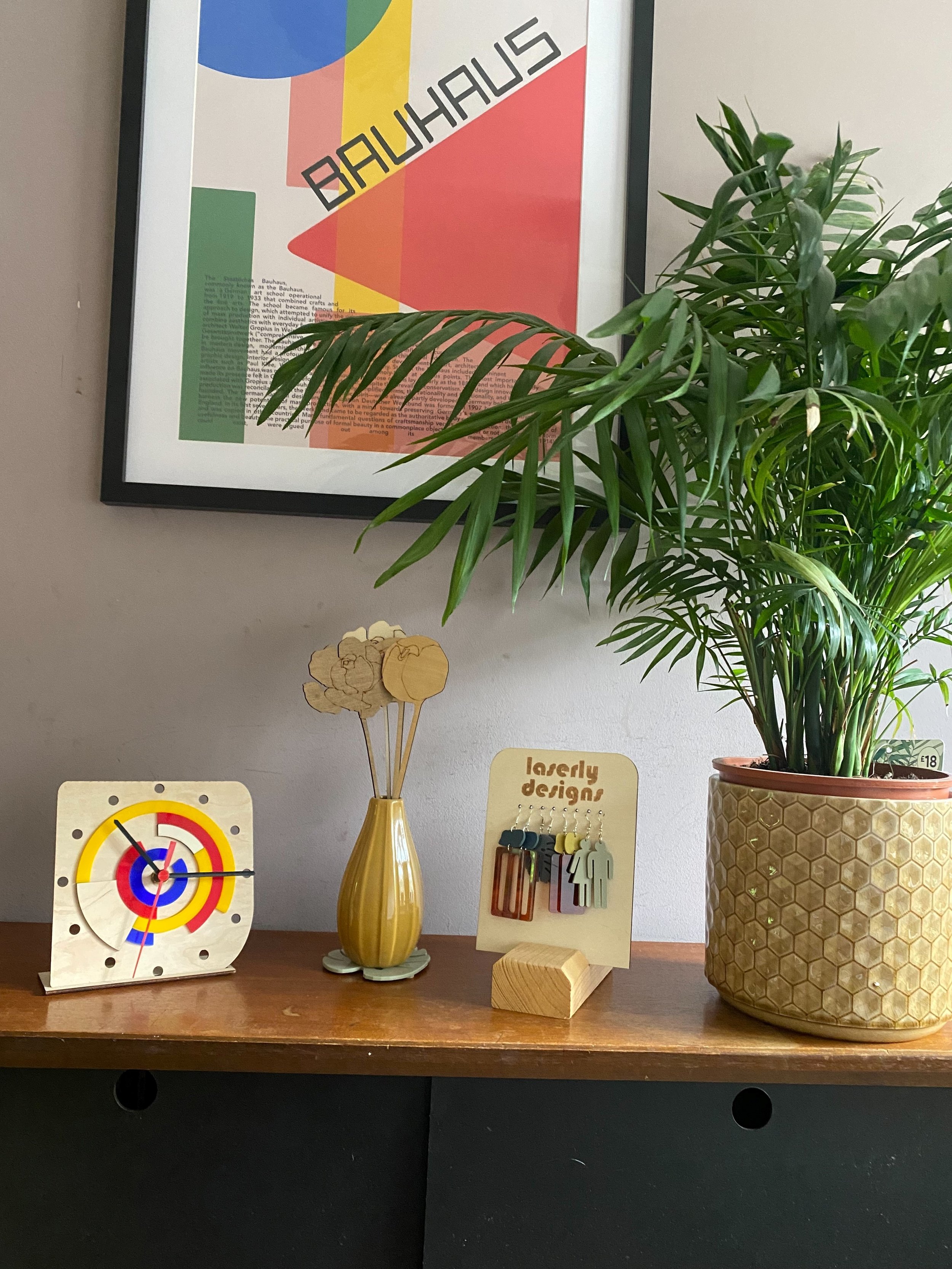
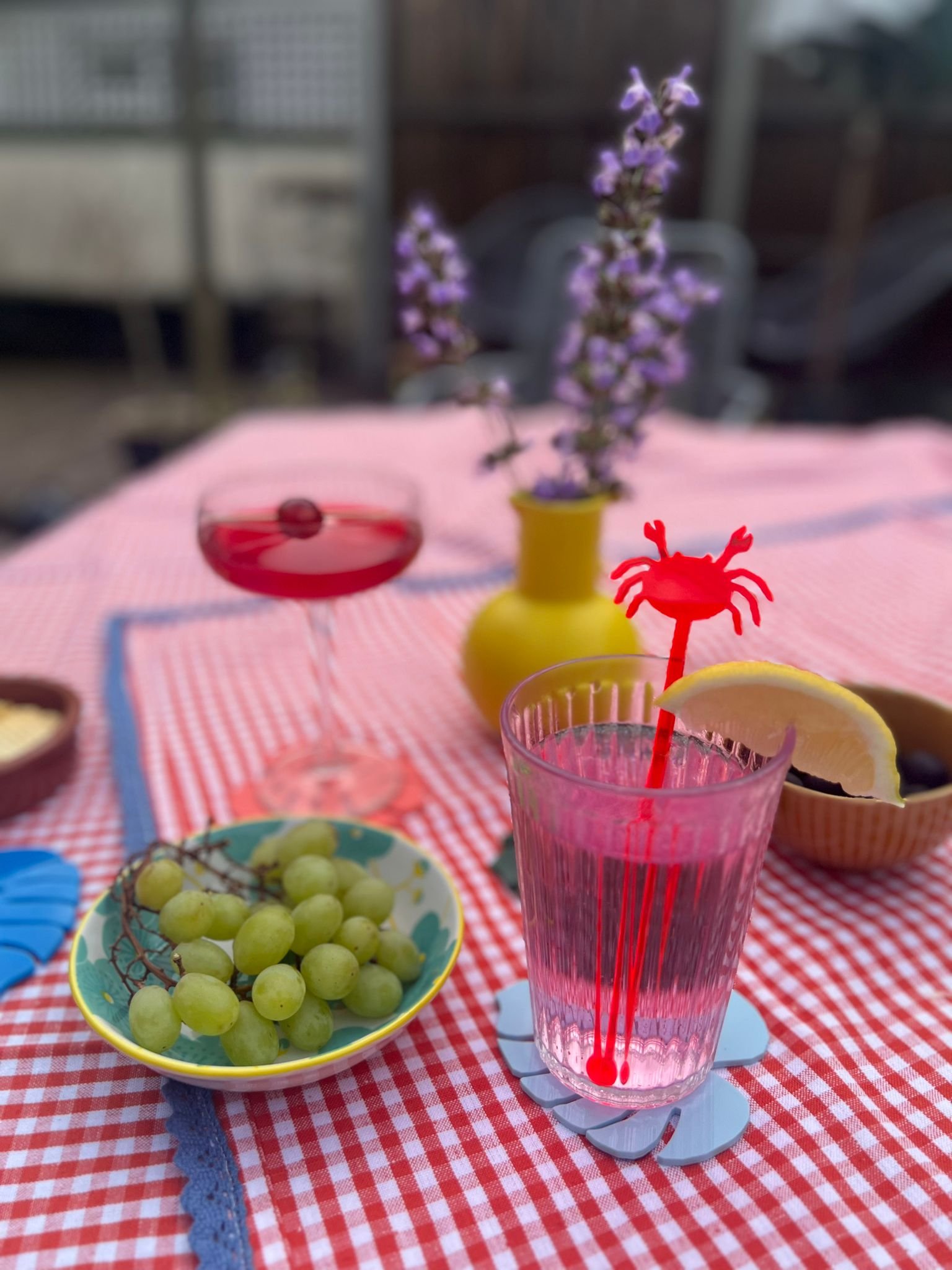
I design and lasercut jewellery and homewares from acrylic.
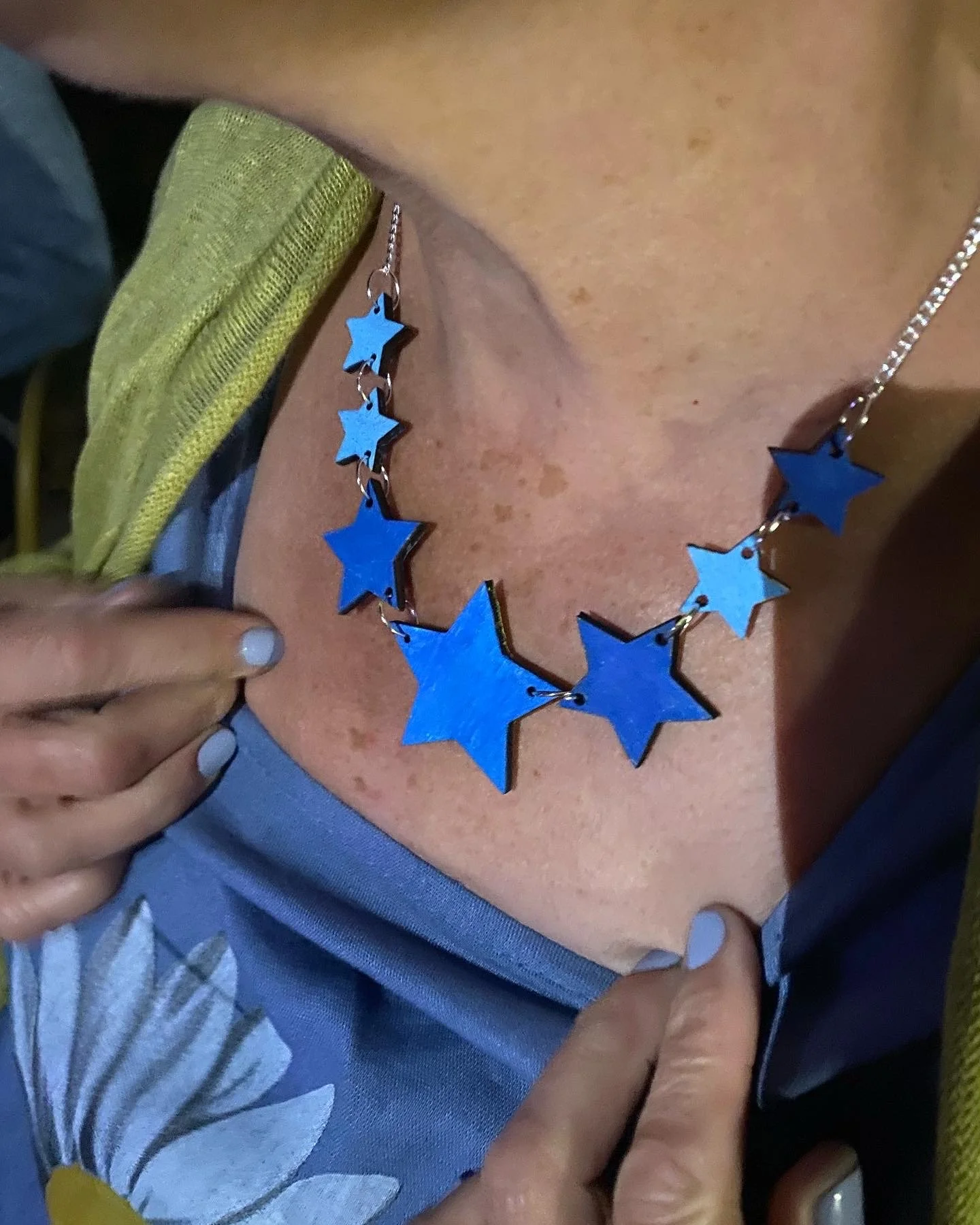
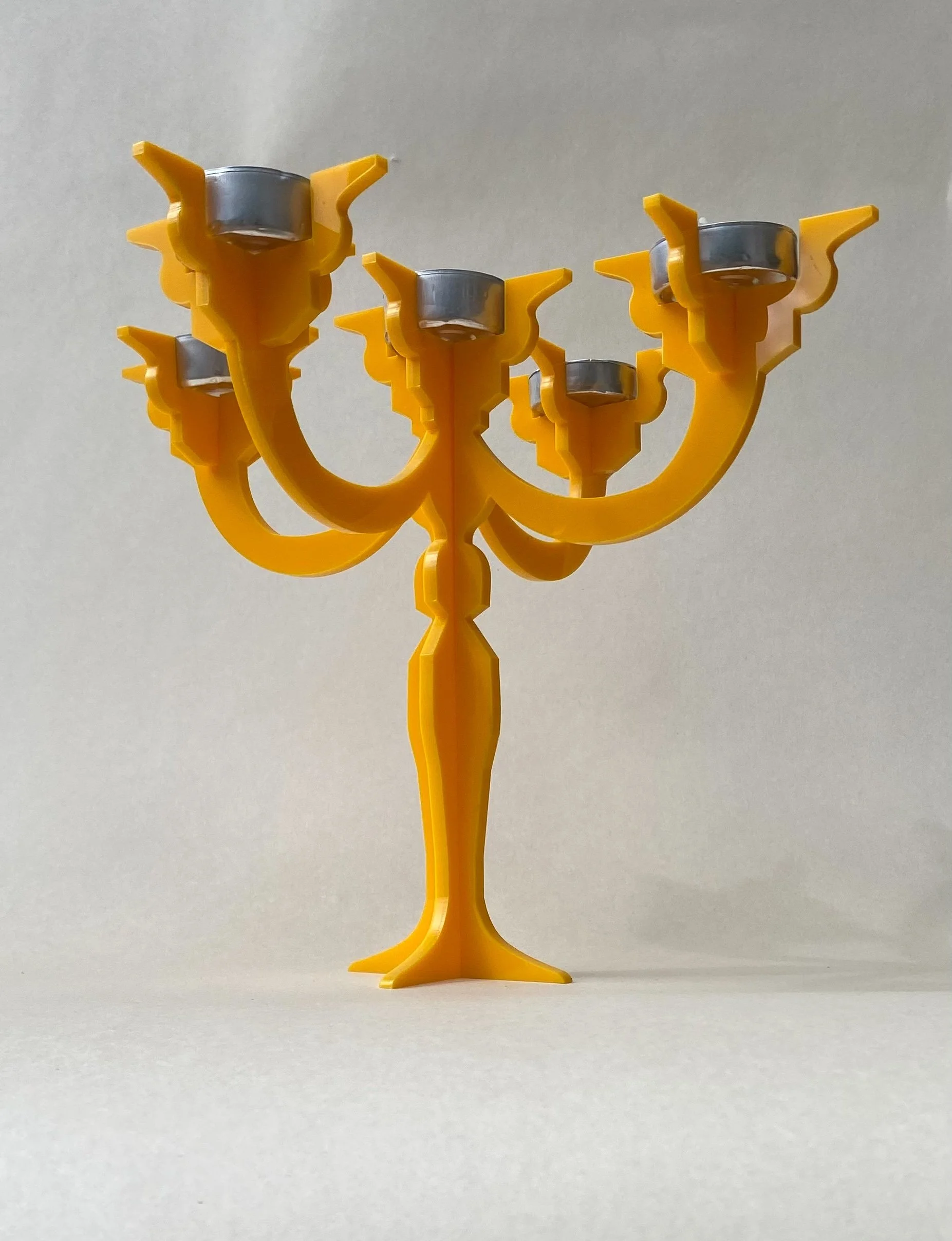
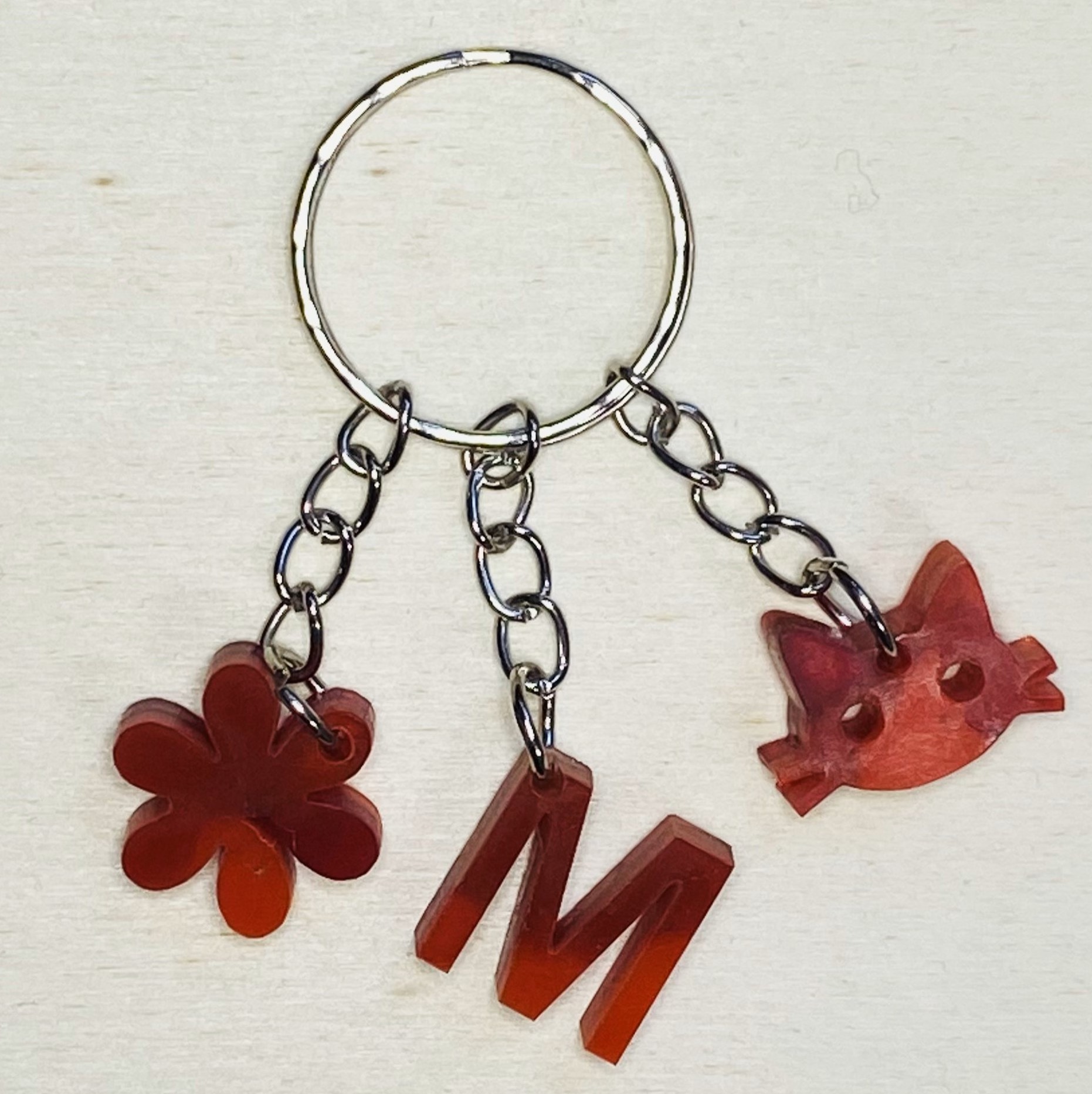
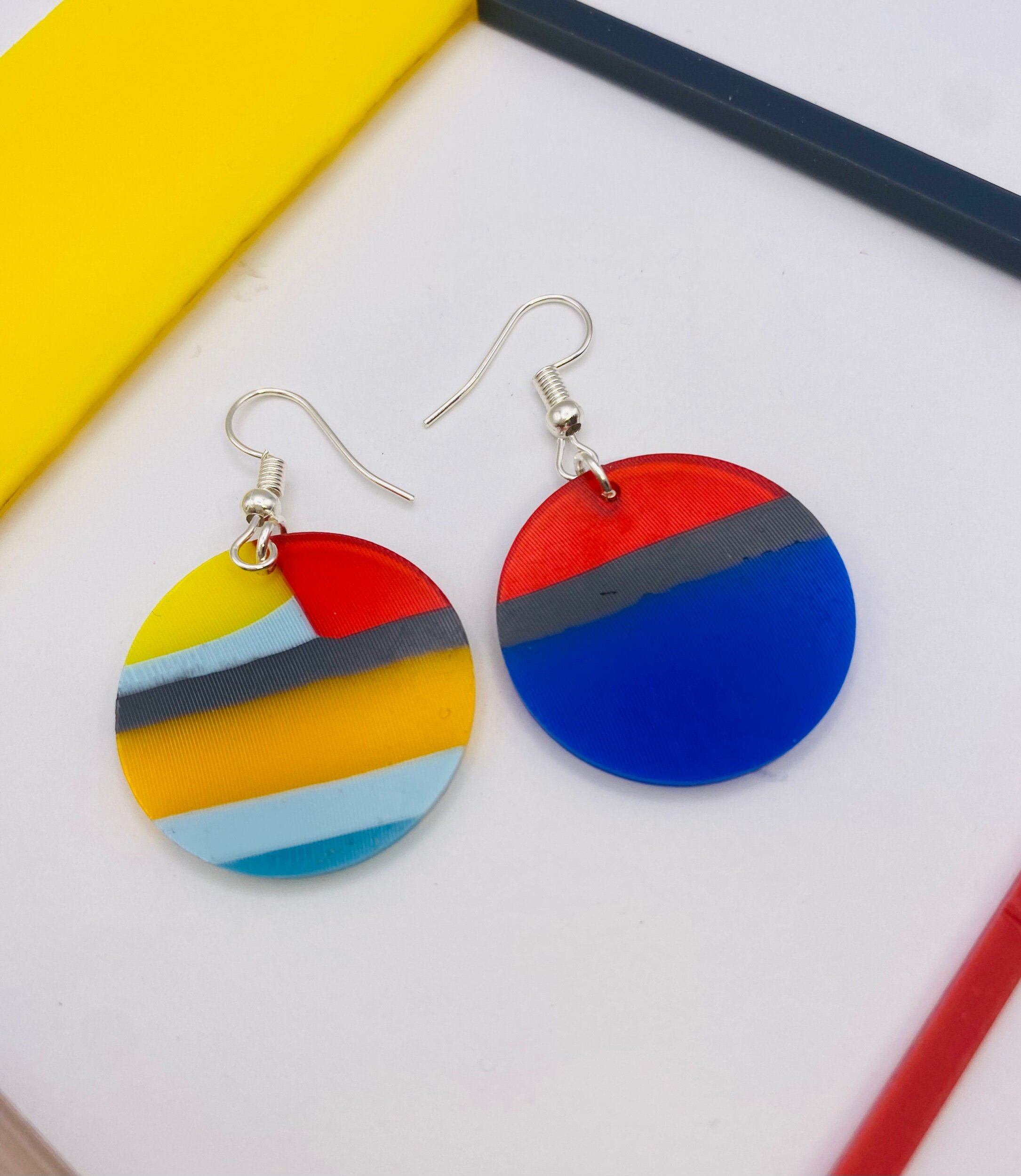
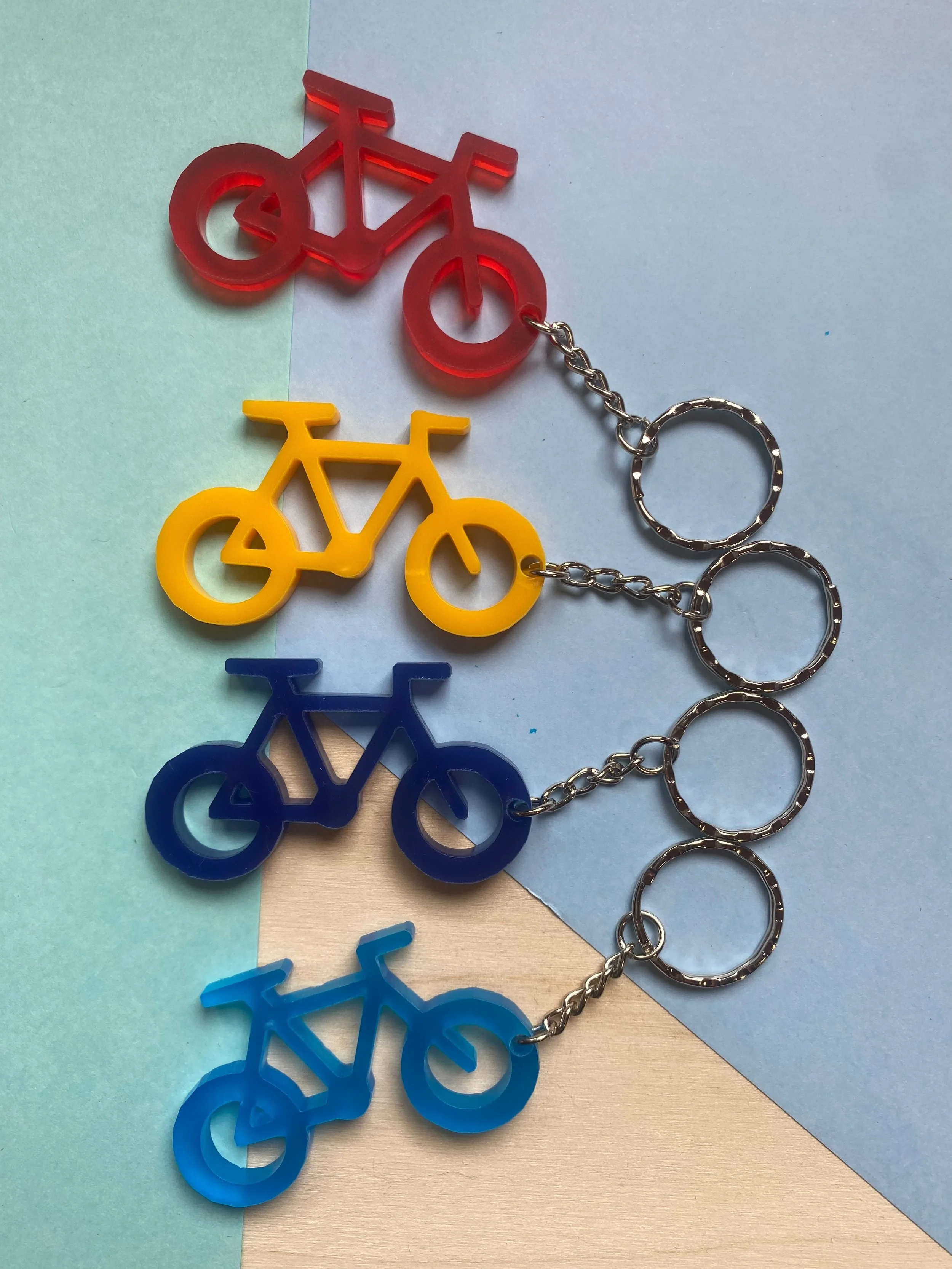
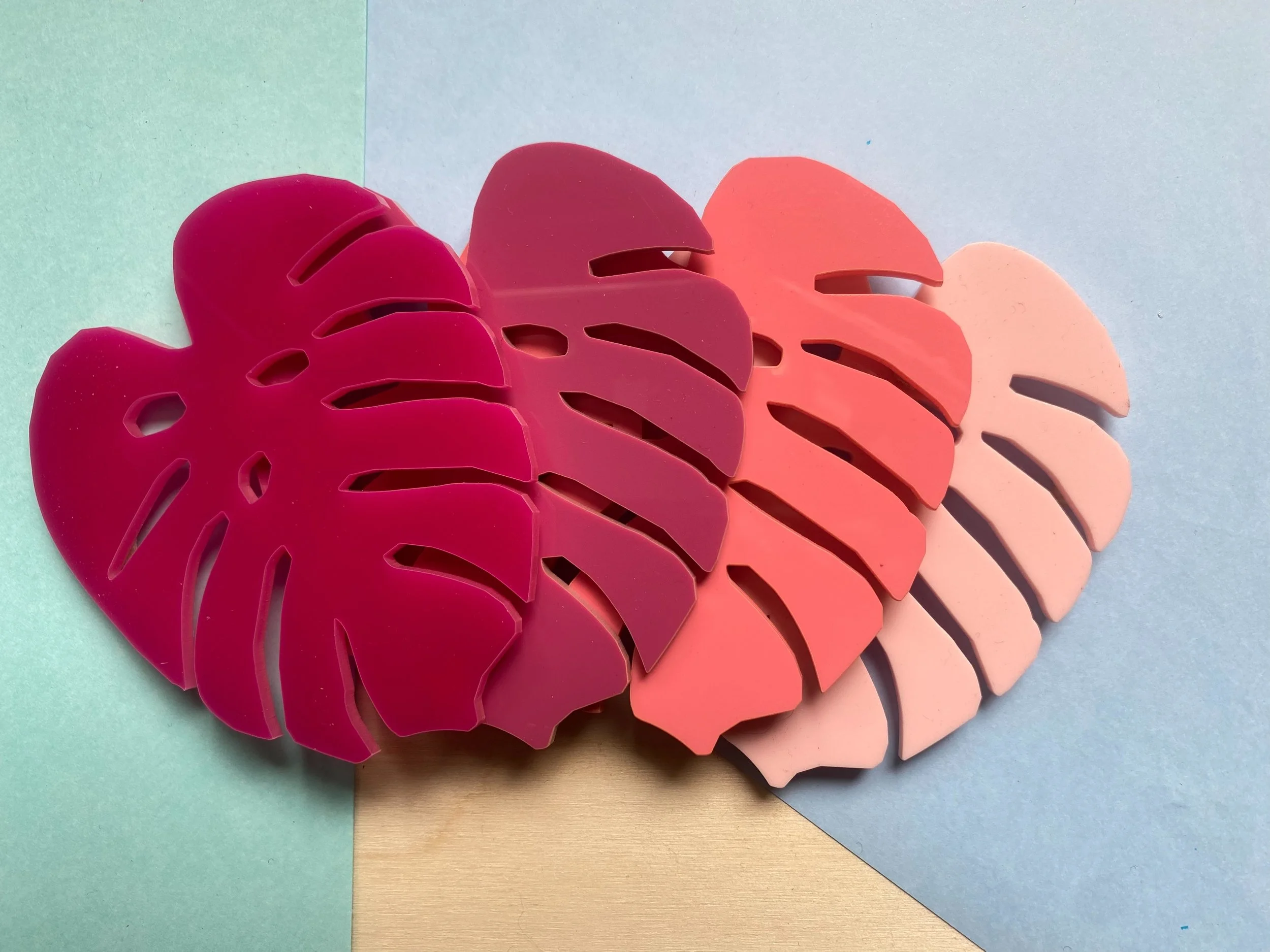
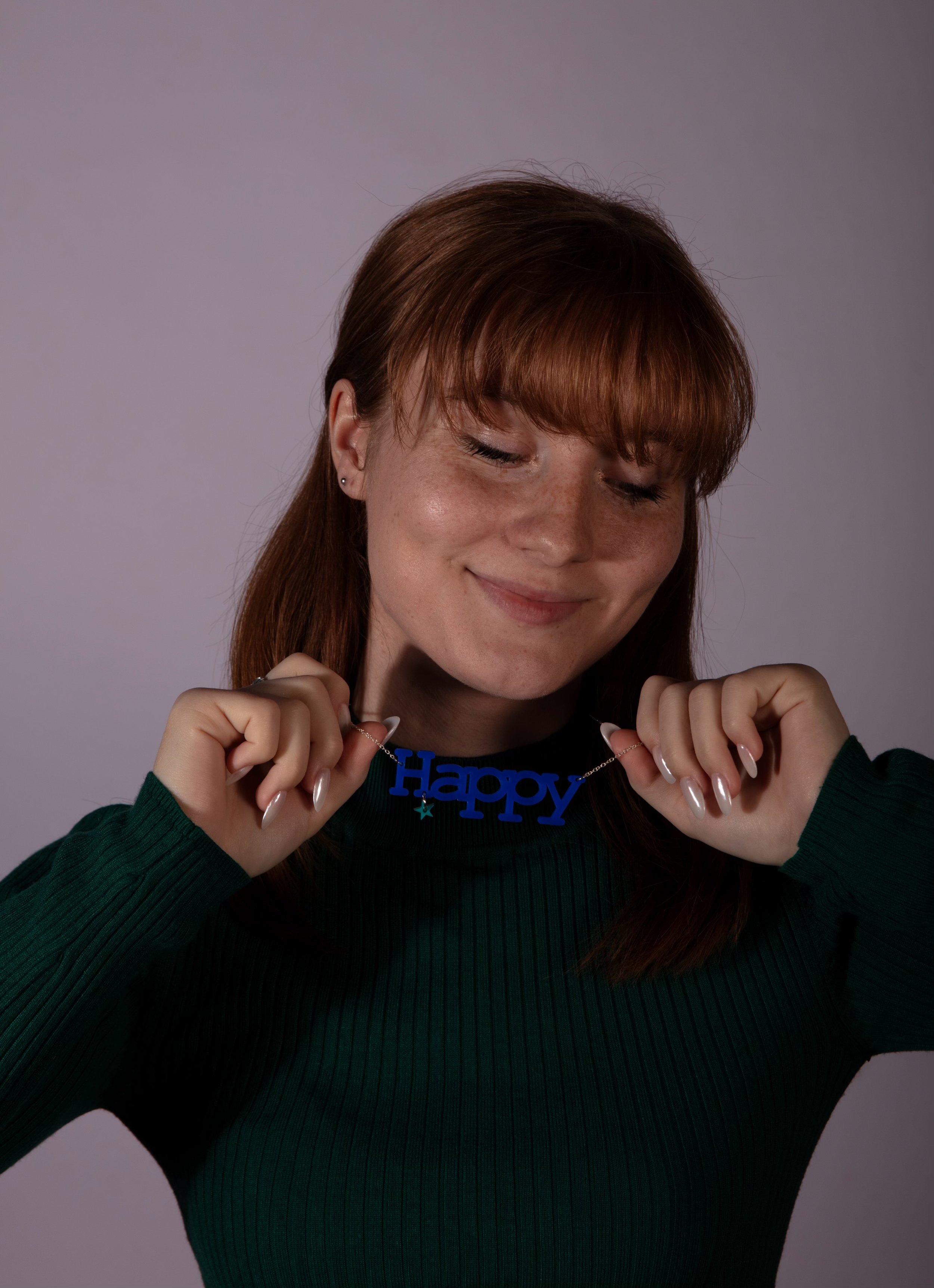
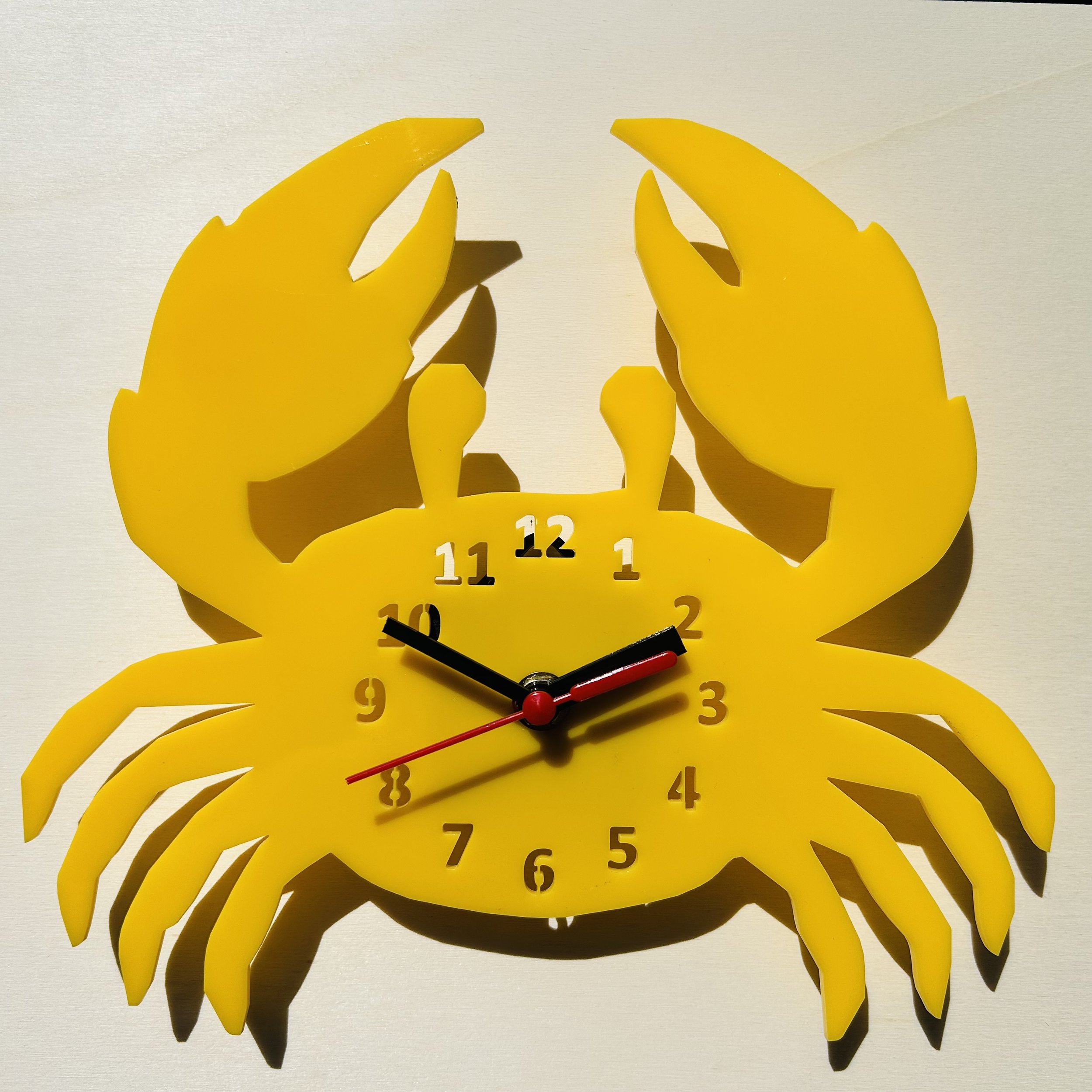
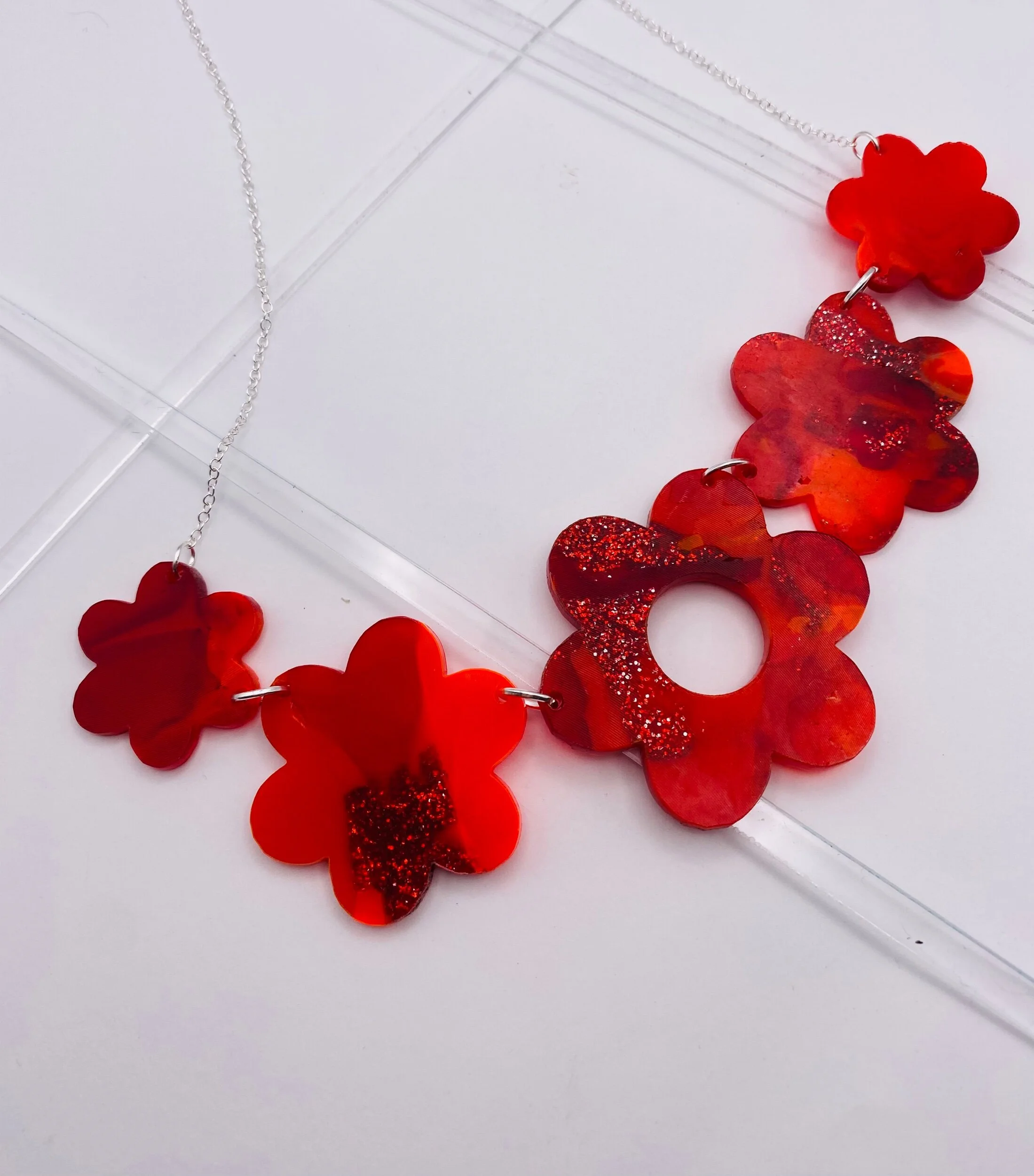
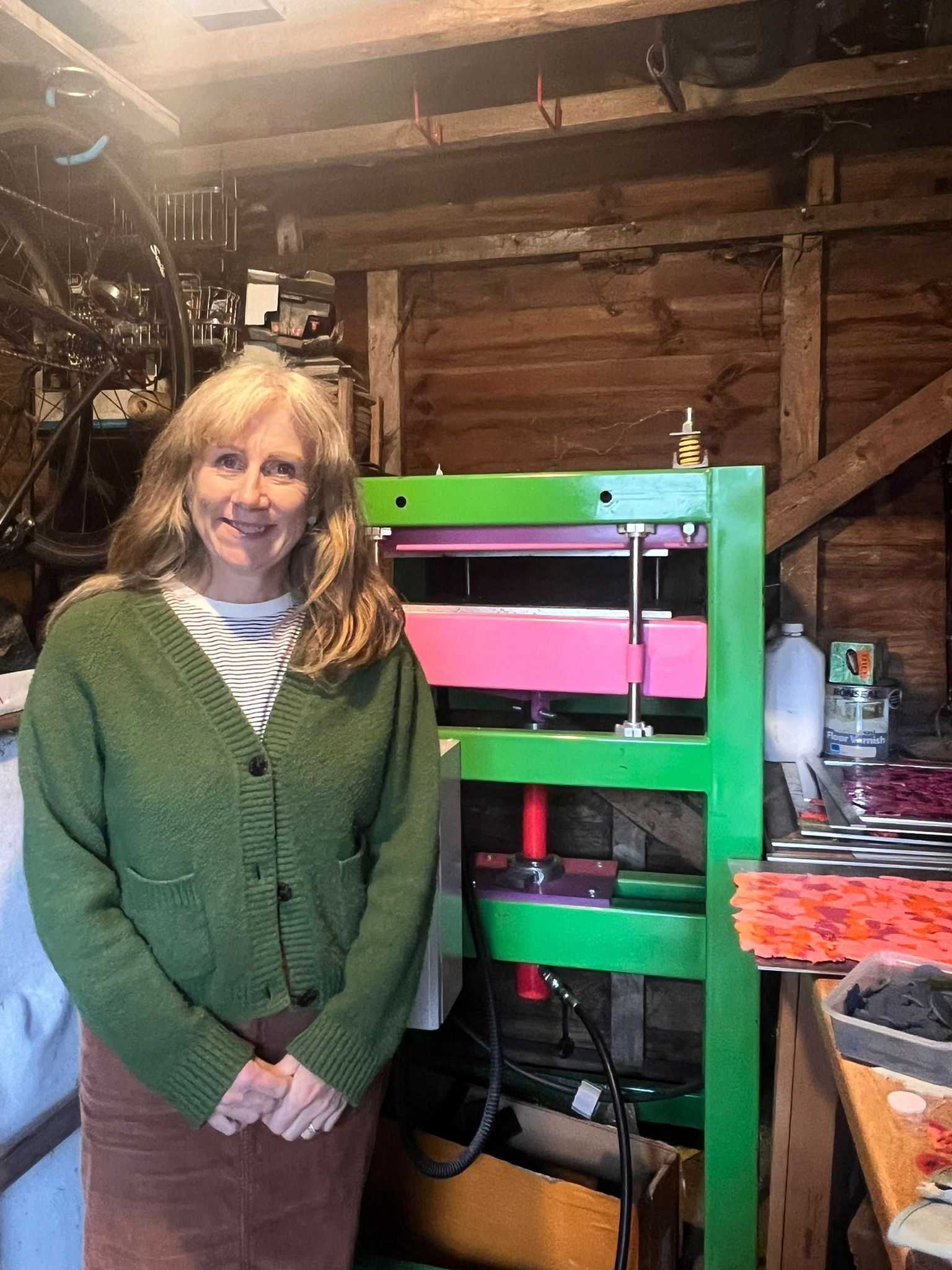
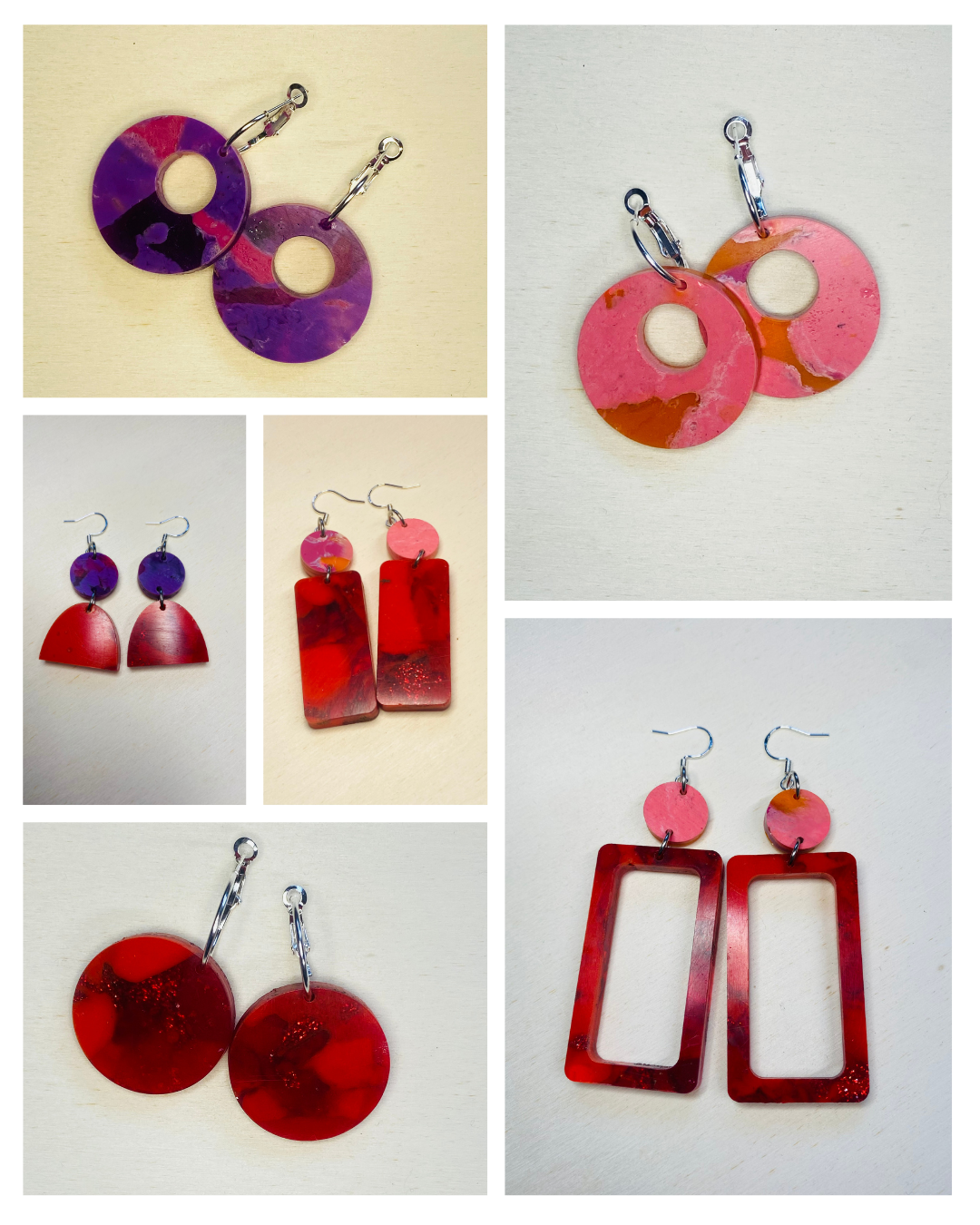
For my eco-conscious customers I make a jewellery collection from acrylic offcuts - I save them from going to landfill. Take a look at my recycled collection, made from 100% recycled acrylic and squished in my heatpress. The patterns and colours are unique and beautiful .
Learn more about my RecyclingMinimalist
BLOCS LIBRARY
June 2026
Version 3.2
To watch overview and tutorials, visit BlocsLibrary.com/guide/
To preview all sections live, visit BlocsLibrary.com/sections/
This version of the library works best with Blocs for Mac 6.4 or Blocs for iPad 1.4.10.
Style Guide
The initial steps to take when setting up a new project.
Typography
There are a few classes that control all the text used in all the sections of the library.
h1,h2,h3,h4,h5,h6,p,label,.btn,a - font for all text in the project
h1,h2,h3,h4,h5,h6 - font for all headings
.bold - font for bold text
.btn - font for all buttons
Colors
Minimalist Library employs five global color swatches to offer a seamless user experience when changing the website’s color scheme with just a few clicks.
Swatches Included:
PRIMARY
BACKGROUND
BACKGROUND
VARIANT
TEXT
TEXT
VARIANT
PRIMARY is used as an accent (or brand) color for icons, links, etc. All other swatches are self-explanatory. You can select the PRIMARY color either during the project setup or at any time while working on a project.
Corners
To edit the global corner radius, modify the radius in the following classes:
.btn - for all buttons
.global-radius - for all images, cards, form fields, etc.
When editing classes, ensure that you check the !important option in the Rules tab of the Class Editor. Feel free to add or remove the .global-radius class from any element in your project.

© Laserly Designs - Webiste by CIVIL BLOCK